
Show the grid instantly.
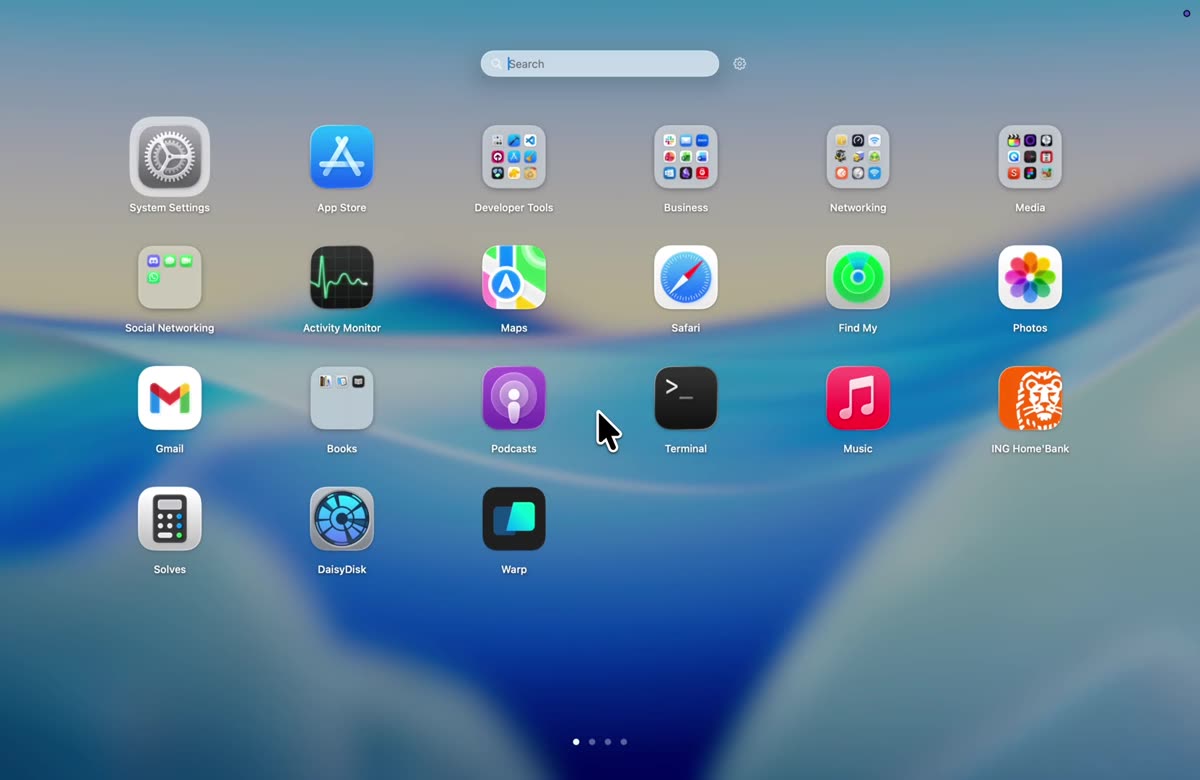
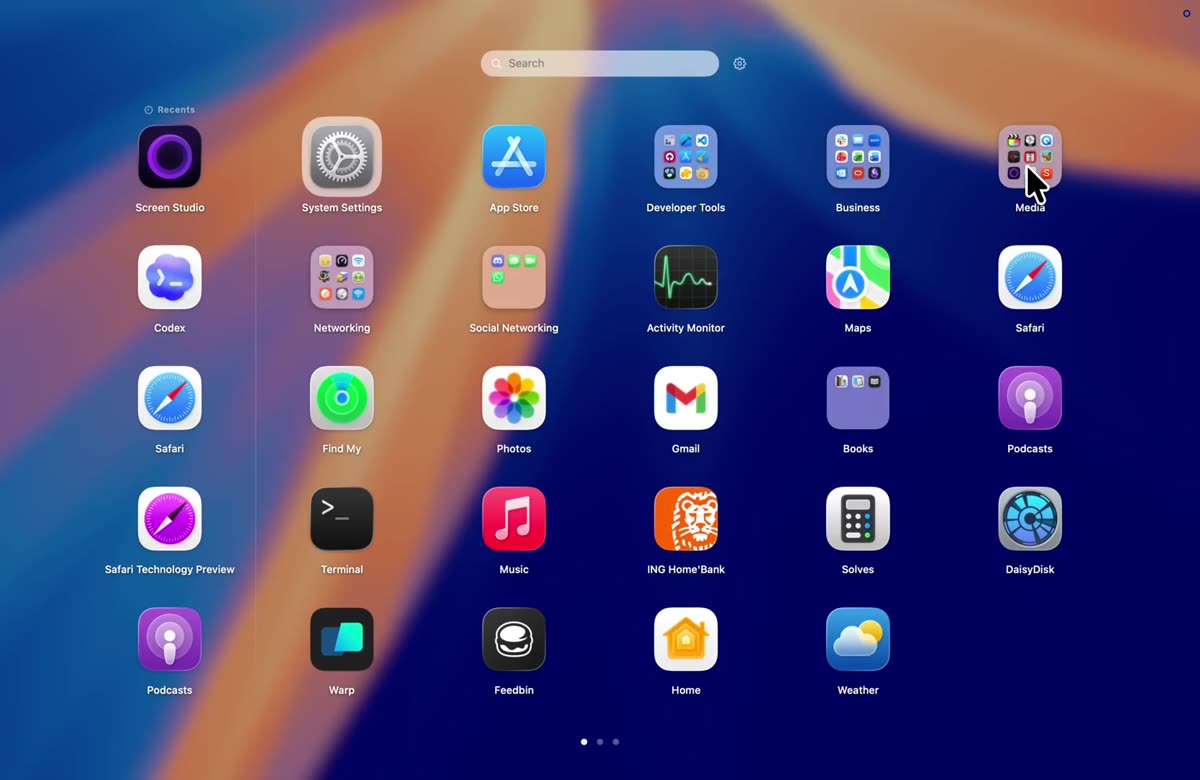
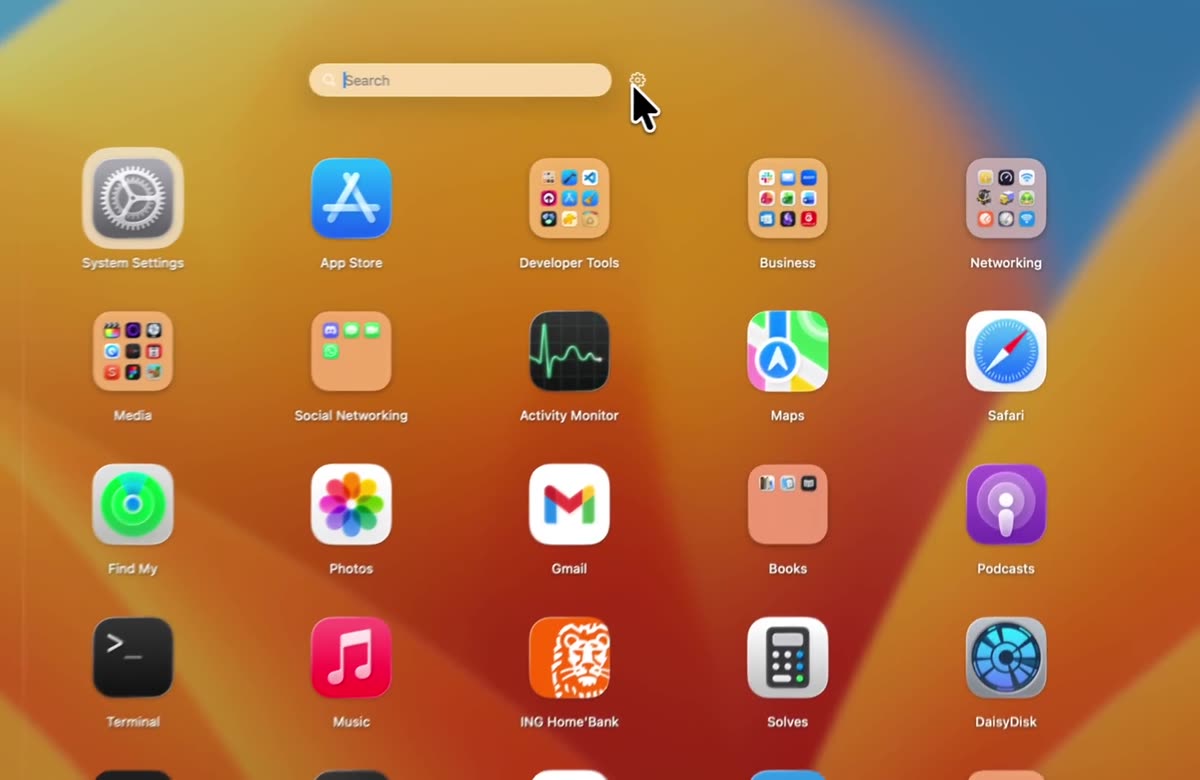
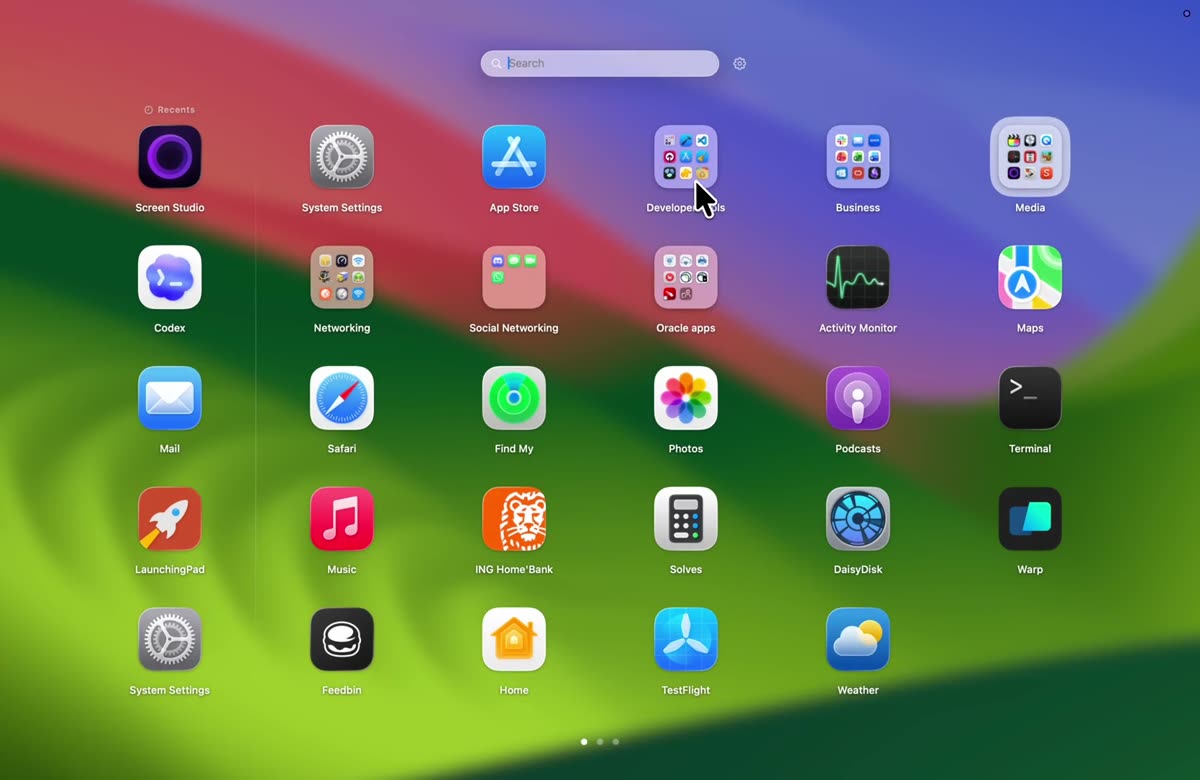
Opening a launcher should be instant. LaunchingPad gives you several ways to bring up the full-screen app grid, then places it on the display and Space you are already using. It works like a native macOS app launcher, so your current workflow stays in place.
- HotkeyUse Option-Space out of the box, or record a shortcut that fits your muscle memory.
- GesturesOpen LaunchingPad with a trackpad pinch, the F4 key, a hot corner, or the menu bar icon.
- ReopenOptionally return to the same page and open folder stack when you call the launcher again soon after closing it.
- DismissPress Esc, click outside the grid, or switch apps. Focus returns to the app you were using.
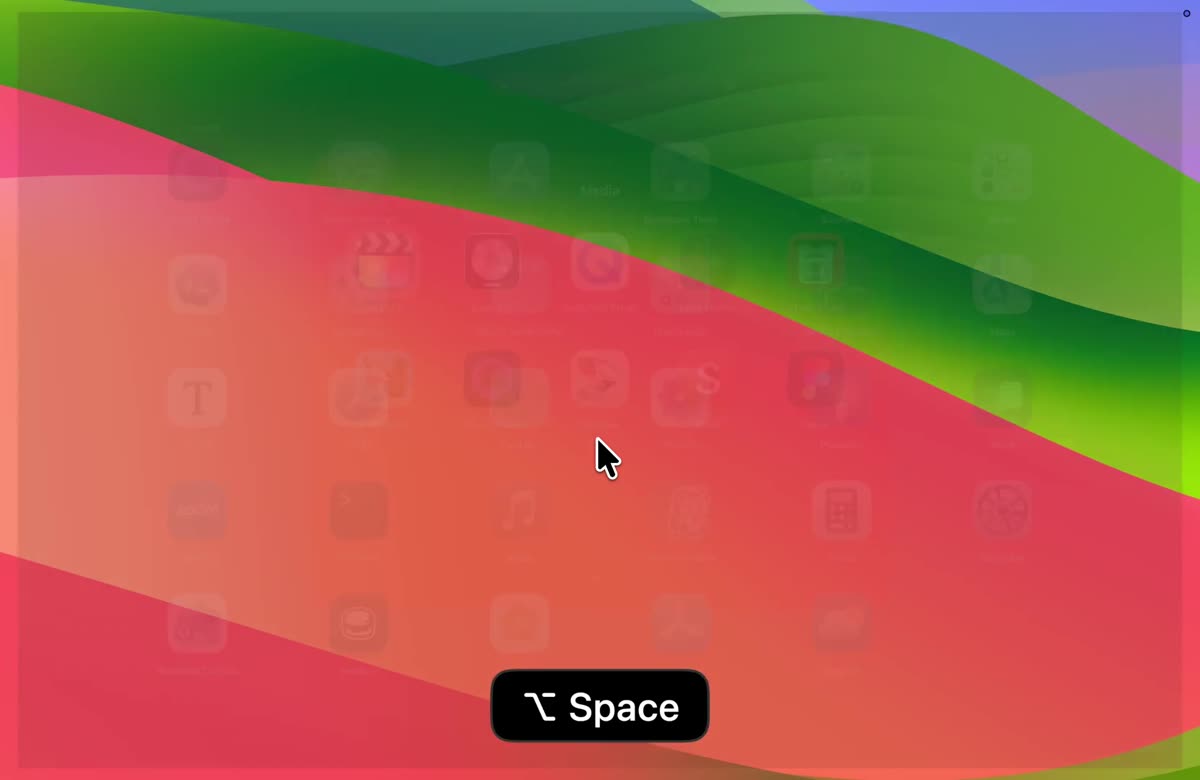
ActivationHotkey, pinch, F4, corner
 Download for macOS